
11 Laptop Stand Ideas For 2026
By 2 p.m., your neck feels tight. Your shoulders creep up toward your ears. You shift in your chair, roll your head, and tell yourself you’ll fix your posture in a minute.
But your laptop is still sitting low on the table, so you keep looking down. If this sounds familiar, you’re not lazy your setup is working against you.
When your screen sits too low, your head drops forward. When your head drops forward, your neck carries more weight than it should.
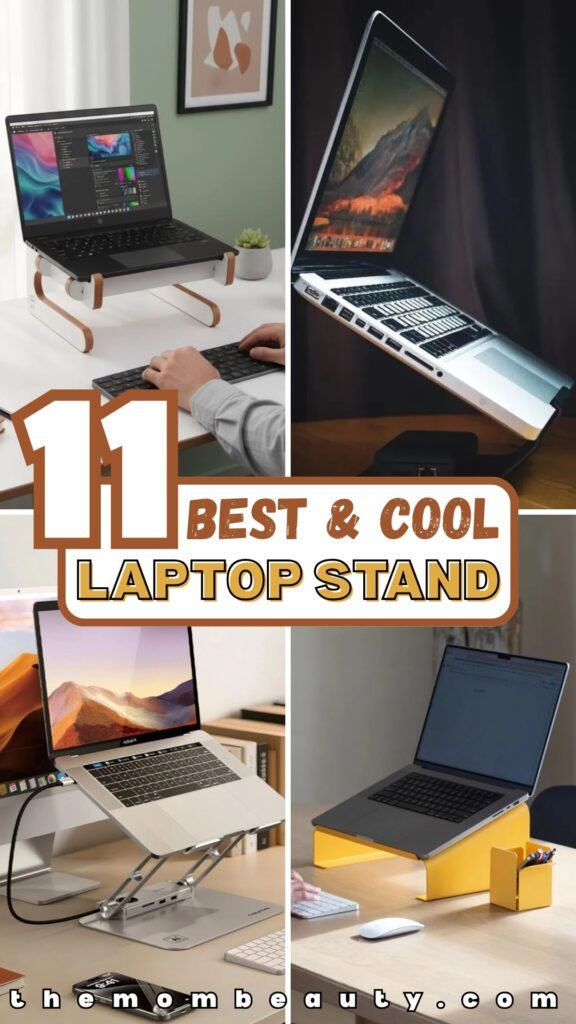
In this article, we break down 11 Laptop Stand ideas that show what practical innovation looks like in 2026.
Let’s jump in!
Can a Laptop Stand Really Improve Your Posture and Comfort?
Yes but only if you use it the right way. When your laptop sits flat on the desk, your screen is too low. So you tilt your head down.
Your shoulders round forward. Your upper back curves. You may not notice it at first, but your body feels it after a few hours.
Now lift that screen closer to eye level. What happens? Your head stays upright. Your shoulders relax. Your spine sits more naturally.
But here’s the key: if you raise your laptop without adjusting your keyboard or chair, you can create new strain. A laptop stand works when your whole setup works with it.
Save this article for later! 👇👇
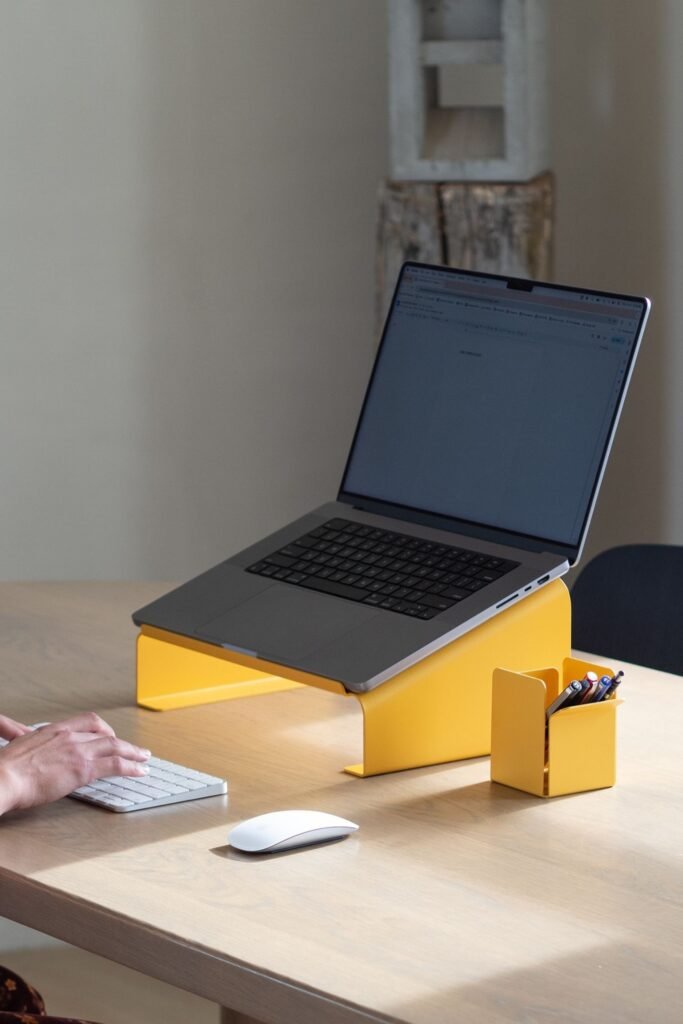
Bold Contrast
Bright color changes the whole mood of a workspace. Yellow metal under a silver laptop instantly makes the setup feel intentional instead of accidental.
Beyond looks, the raised platform brings the screen closer to eye level, which keeps the neck from dipping forward all day.
Pairing it with a separate keyboard and mouse, just like shown here, allows shoulders to relax and wrists to stay straight.
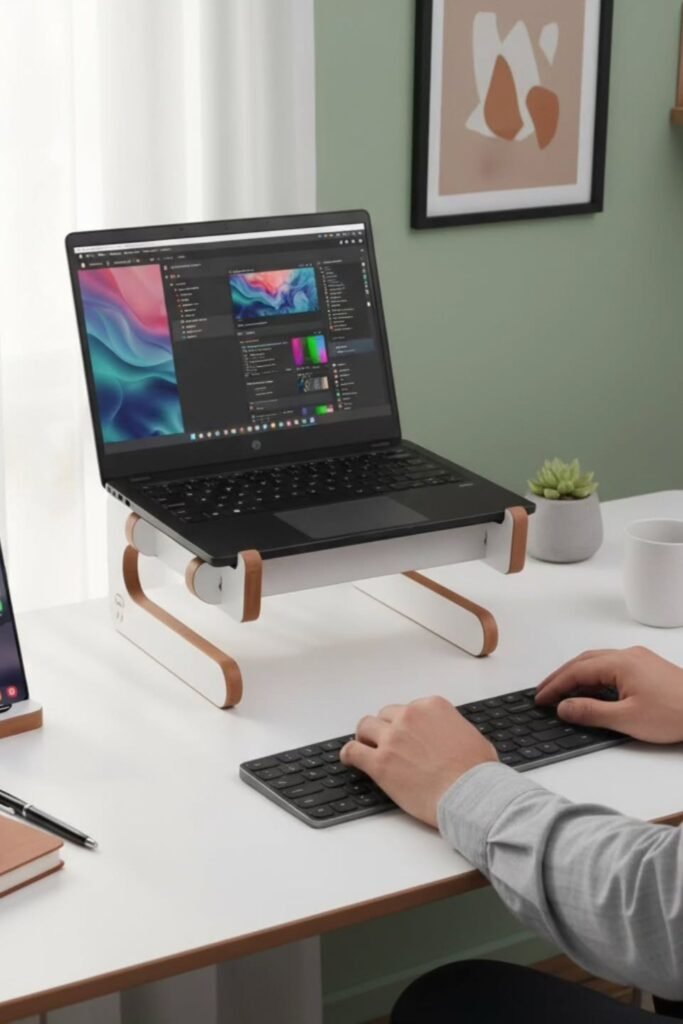
Soft Minimal
Calm spaces help your body relax before you even notice it. Clean white with warm wood edges makes the desk feel lighter, and that feeling matters when you sit for hours.
Curved legs on the laptop stand lift the screen just enough to stop that forward head tilt that creeps in by midday.
Great choice for home offices that double as living spaces. Nothing bulky. Nothing industrial. Just a simple raised platform that blends in.
Recreate this look with a wooden or wood-accented stand that has rounded corners and solid support underneath.
Leave breathing space under the stand for airflow and a cleaner surface. Add one plant or neutral accessory, not five.
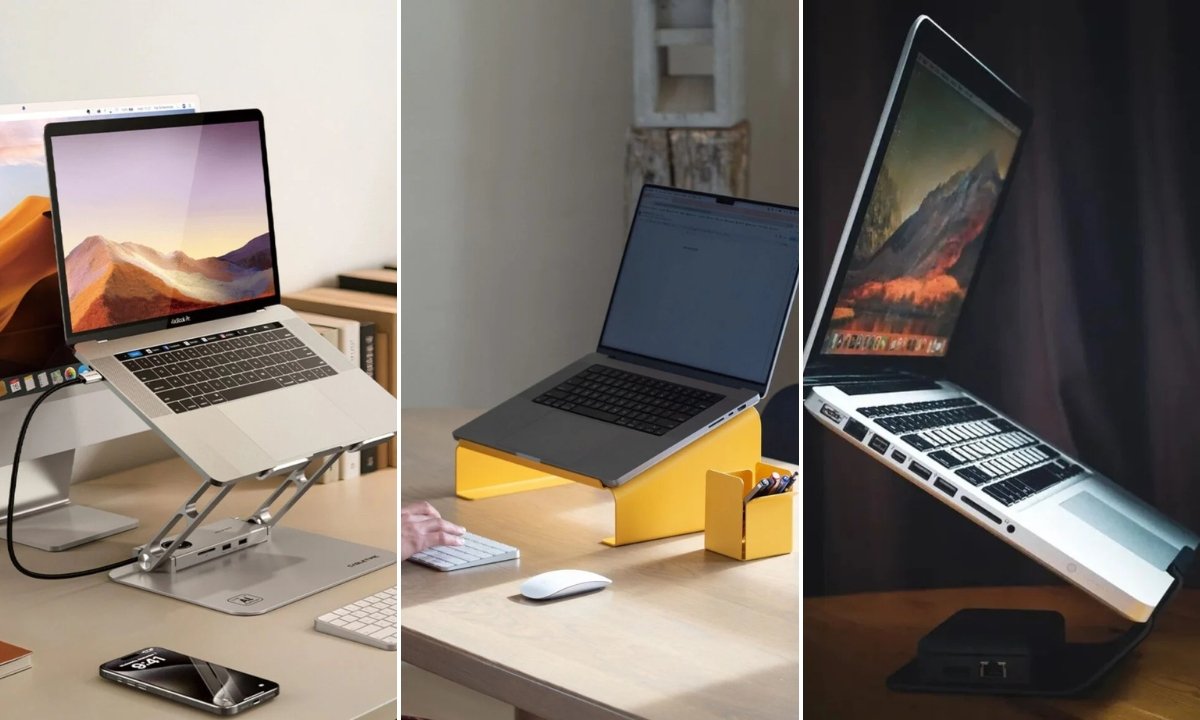
Adjustable Lift
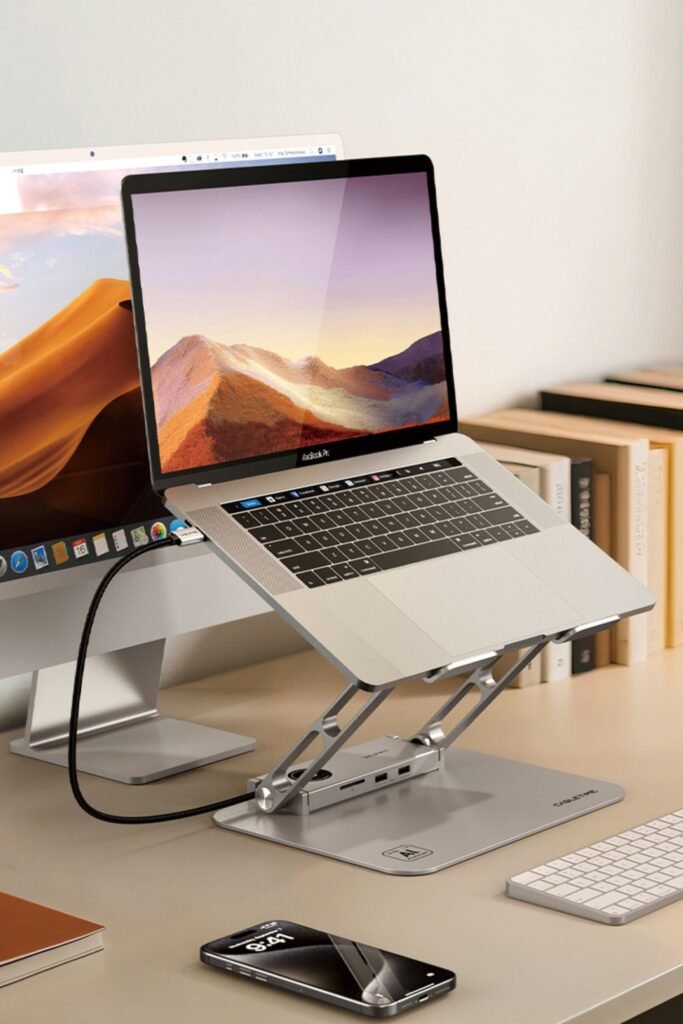
Long workdays demand flexibility. An adjustable aluminum laptop stand like this lets you raise, tilt, and fine-tune the screen until it meets your eyes instead of forcing your neck to bend down.
Height control changes everything. Raise it for focused work. Lower it slightly for relaxed browsing. Your body shouldn’t stay locked in one position for eight hours.
Metal arms with a wide base keep the laptop stable, even when typing lightly. Built-in space underneath allows airflow, which helps prevent overheating during heavy tasks.
Best suited for dedicated home offices where comfort matters daily. Add an external keyboard and mouse so wrists stay straight while the screen stays high.
Choose a stand with multiple angle settings and strong hinges. Small adjustments throughout the day reduce stiffness and keep energy steady from morning to evening.
Cozy Setup
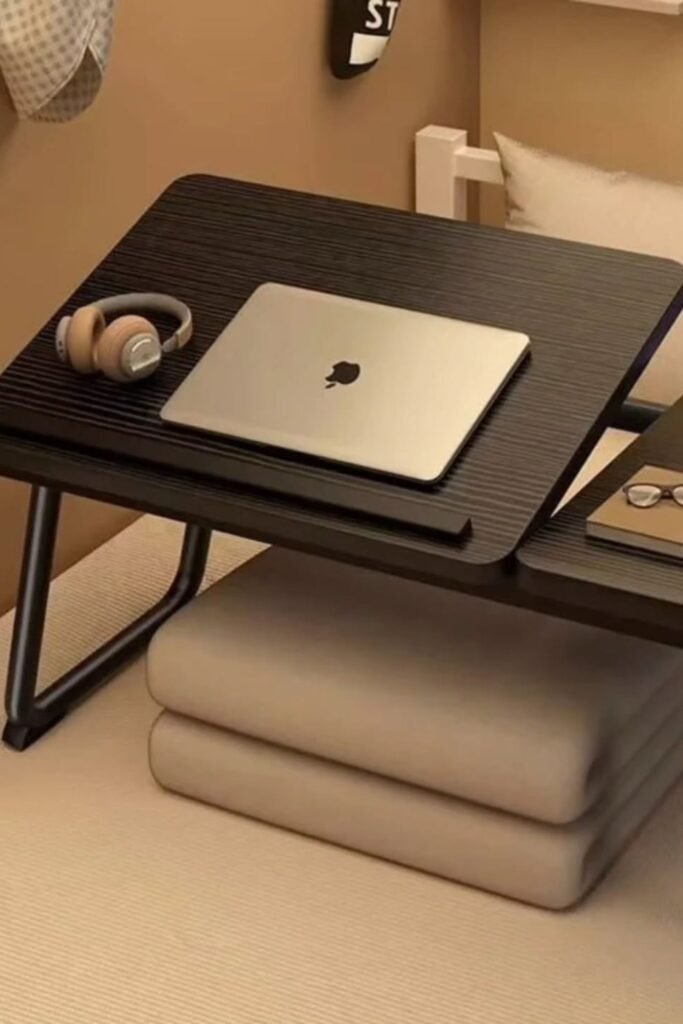
Late-night work on the bed usually ends with a sore neck and overheated laptop. A tilted lap desk like this changes that instantly.
Raised legs lift the surface off soft bedding, which allows proper airflow underneath. No more trapping heat in blankets.
Angled design brings the screen closer to eye level without stacking random pillows. Side panel gives space for coffee, phone, or a small notebook so everything stays within reach.
Perfect for apartment living, dorm rooms, or busy moms answering emails after bedtime routines.
Recreate this with a sturdy wooden or metal lap desk that has foldable legs and a slight tilt. Keep the angle moderate so your wrists don’t bend too much.
Floating Frame
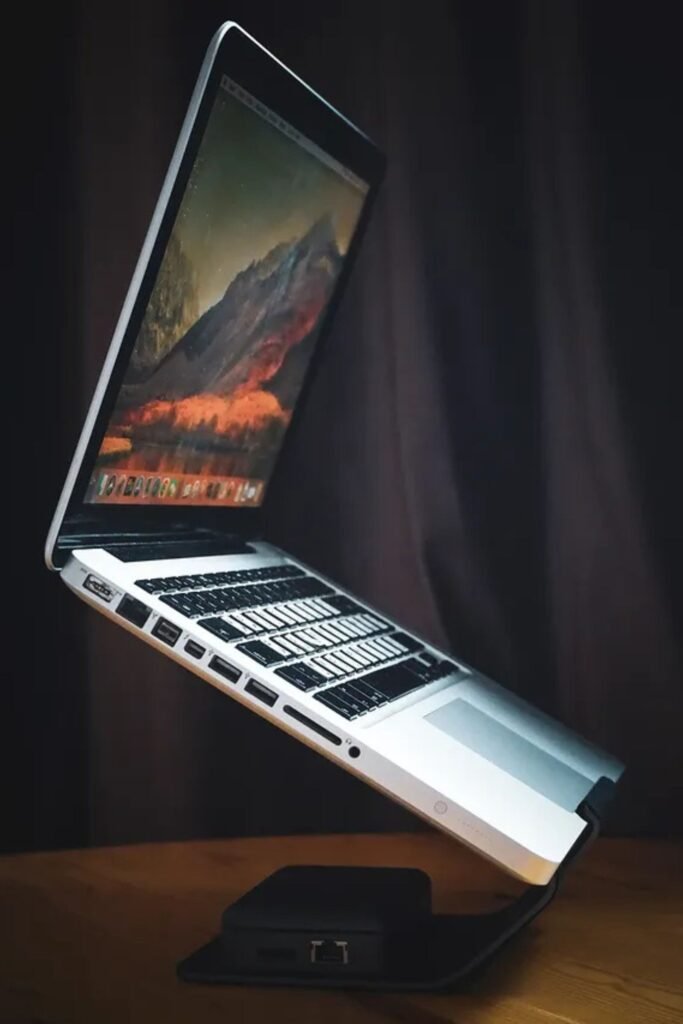
Almost feels like the laptop is hovering. Slim black stand lifts the screen high while keeping the base footprint small. Perfect for tight desks where every inch matters.
Elevation here is more dramatic, which means eye-level alignment becomes effortless. Head stays upright instead of drifting forward.
Strong single-arm support gives a clean, modern look while still holding the weight securely. Ideal for focused work sessions, video calls, or creative tasks where screen visibility matters most.
Recreate this by choosing a sturdy elevated stand with a solid metal base and angled support arm. Stability is key, so check for anti-slip padding underneath.
Pair it with a separate keyboard placed directly in front of you so elbows stay relaxed at your sides. Minimal surface, maximum height, zero neck strain.
Sculptural Rise
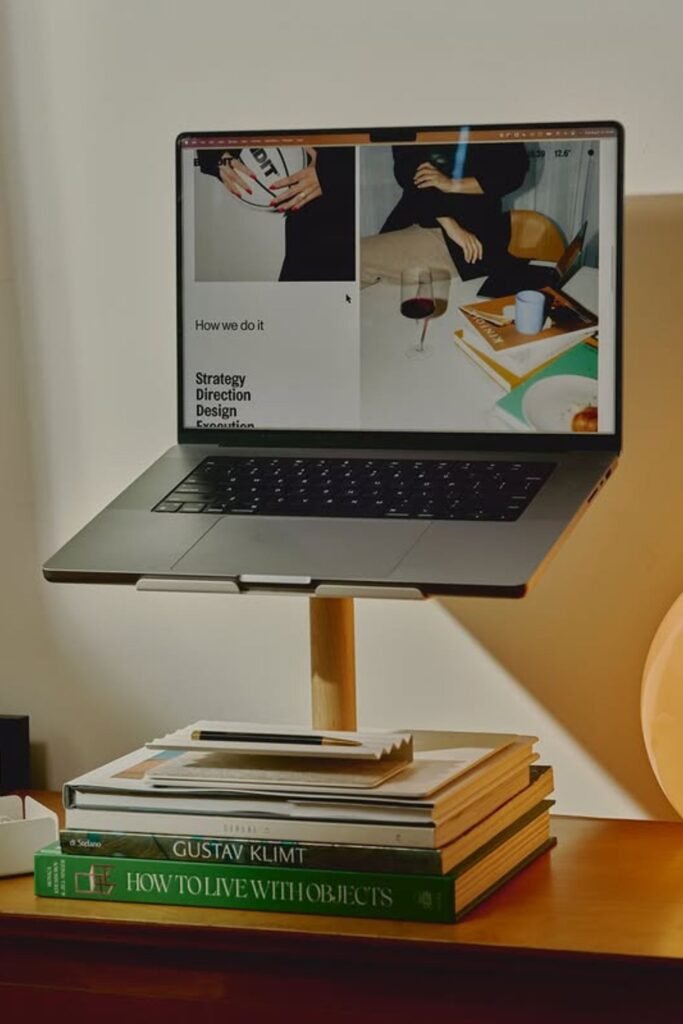
Desk feels more like a styled corner than a workstation. Elevated wooden laptop stand placed on stacked books instantly draws the screen upward without adding bulk.
Works beautifully in small apartments or creative spaces where furniture doubles as decor. Wooden stem design keeps the look warm and intentional instead of technical.
Books underneath add extra lift and personality at the same time. Recreate the effect by using a solid wooden stand with a single centered support.
Adjust height by adding sturdy hardcover books under the base until the top of the screen aligns close to your eye line. Keep the stack stable and flat.
Pair with a wireless keyboard placed lower on the desk so wrists stay neutral. Practical support disguised as styling detail.
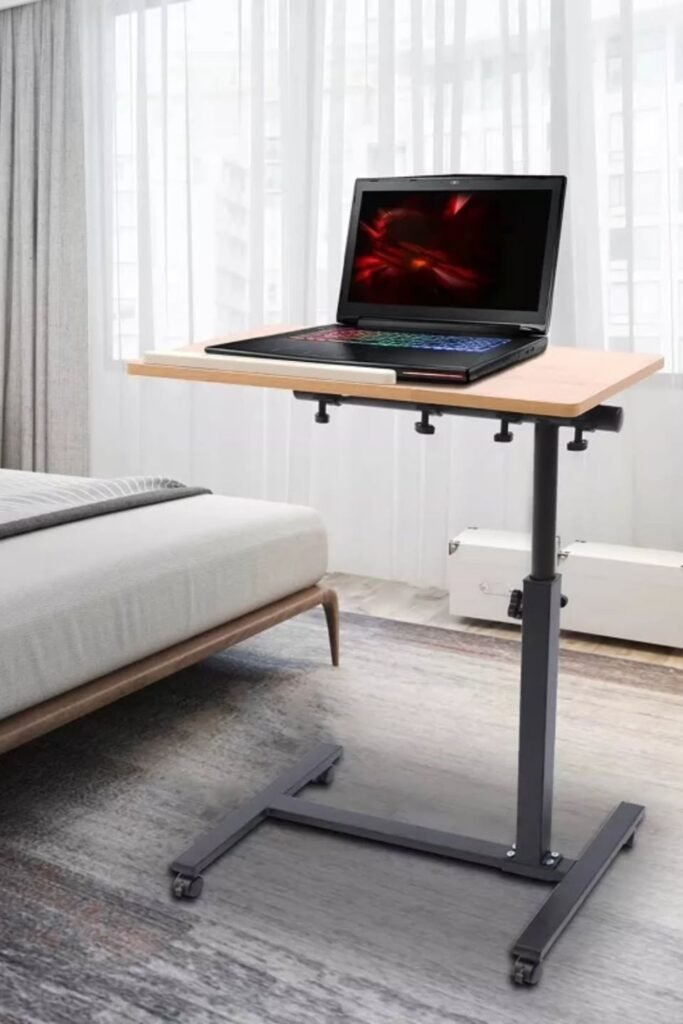
Rolling Flex
Sitting all day drains your energy faster than the work itself. A height-adjustable rolling laptop stand like this lets you shift from sitting to standing without rearranging the whole room.
Move it beside the bed, next to the couch, or into a brighter corner when you need a change of focus.
Single center pole keeps the base compact, while wheels make it easy to reposition. Height control allows you to bring the screen to eye level whether you’re seated or standing.
No more bending down toward the bed or slouching on the sofa. Perfect for small bedrooms, studio apartments, or shared spaces.
Choose a model with a stable base and locking wheels so it doesn’t slide while typing. Keep your keyboard at elbow height and raise the screen until your neck stays straight.
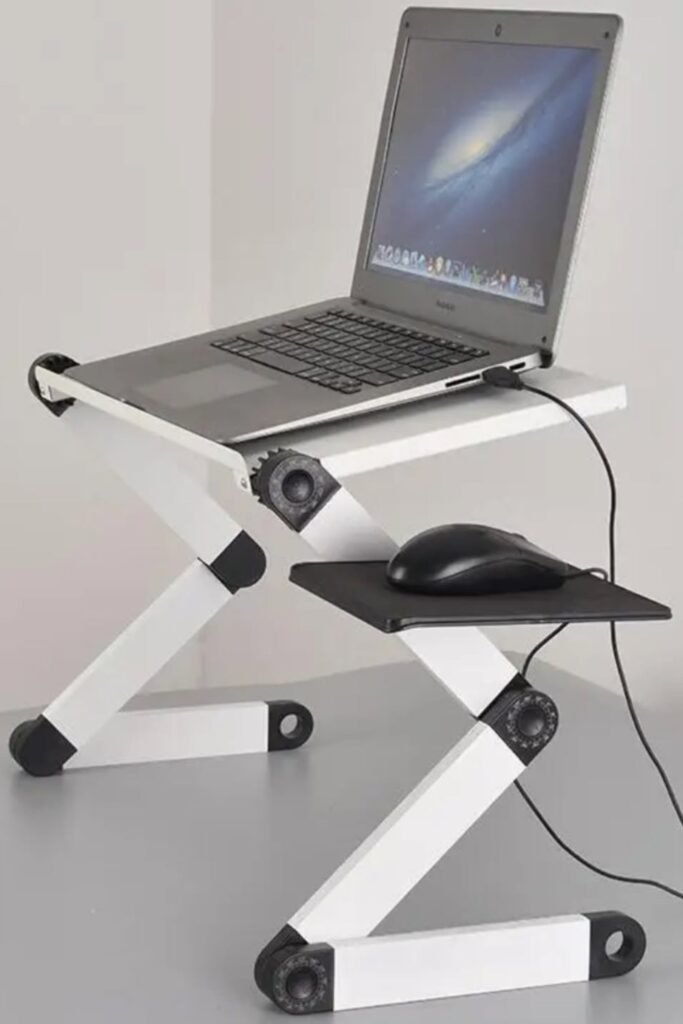
Z-Frame
Sharp angles mean serious support. Z-shaped adjustable laptop stand like this lets you control both height and tilt, which makes a big difference if standard stands never feel “quite right.”
Multiple joints allow you to fine-tune the screen position until your eyes meet the top third of the display naturally.
Side mouse tray solves a common problem. Raising a laptop often leaves the mouse too low or too far. Built-in extension keeps arm movement level and balanced.
Ideal for compact desks where you still want full control over positioning. Set the platform high enough to stop neck strain, then keep wrists straight by adjusting the angle slightly downward.
Choose sturdy hinges that lock firmly so the stand doesn’t shift while typing. Small adjustments here prevent long-term stiffness later.
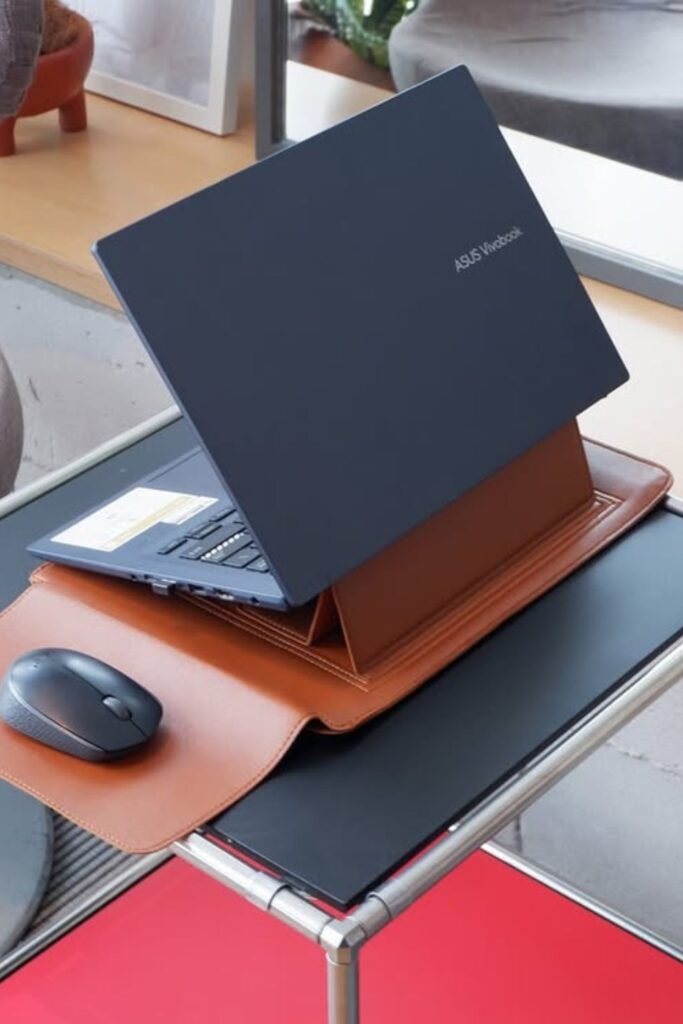
Leather Fold
Travel days don’t have to mean bad posture. Foldable leather laptop stand like this slips inside your bag and unfolds into a simple angled support within seconds.
No heavy metal, no bulky frame just a smart lift that keeps the screen from sitting flat on the desk.
Angled surface gently raises the back of the laptop, which improves airflow and reduces that constant downward neck tilt.
Perfect for café work, shared offices, or moving between rooms at home. Choose a sturdy faux leather or structured fabric version that holds its shape when folded.
Place it on a stable table, then keep your shoulders relaxed and elbows close to your body. Light, portable support makes a real difference when you work from different places.
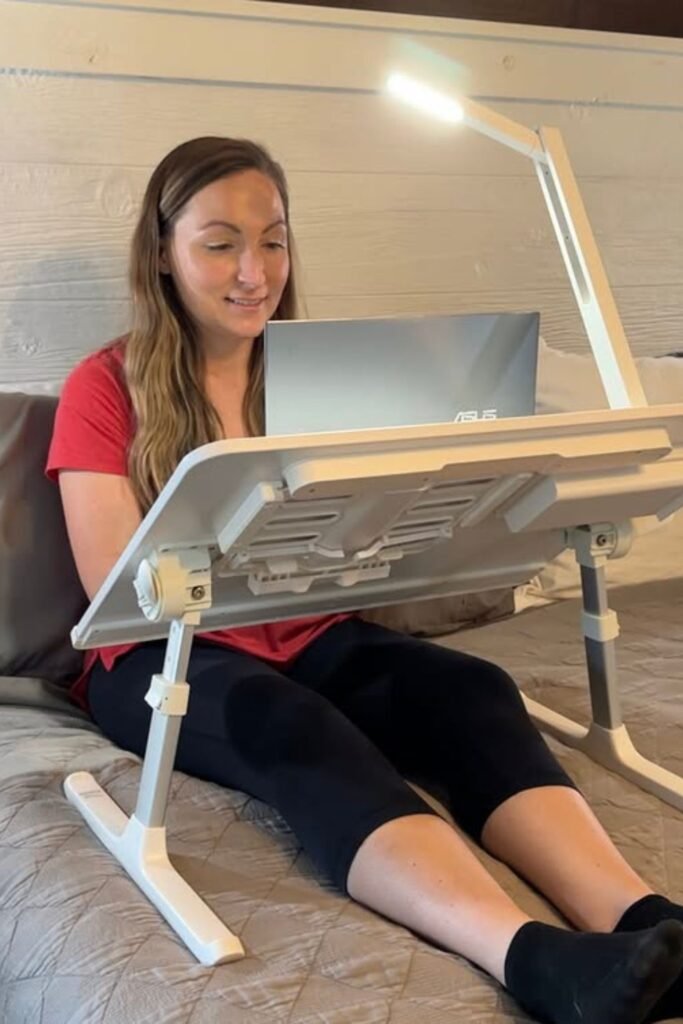
Bed Table
Scrolling emails in bed usually means a curved spine and aching shoulders. Adjustable over-bed laptop table like this changes the angle completely.
Screen rises closer to eye level, so the neck doesn’t collapse forward. Wide surface supports both laptop and wrists without balancing everything on pillows.
Height-adjustable legs allow you to customize it depending on mattress thickness. Tilting top helps reduce glare and keeps your gaze natural instead of forced downward.
Built-in ventilation slots prevent heat buildup, especially during long streaming or work sessions.
Works best for night-time productivity, recovery days, or small apartments without a full desk. Choose a sturdy frame with locking joints so it stays stable while typing.
Swivel Base
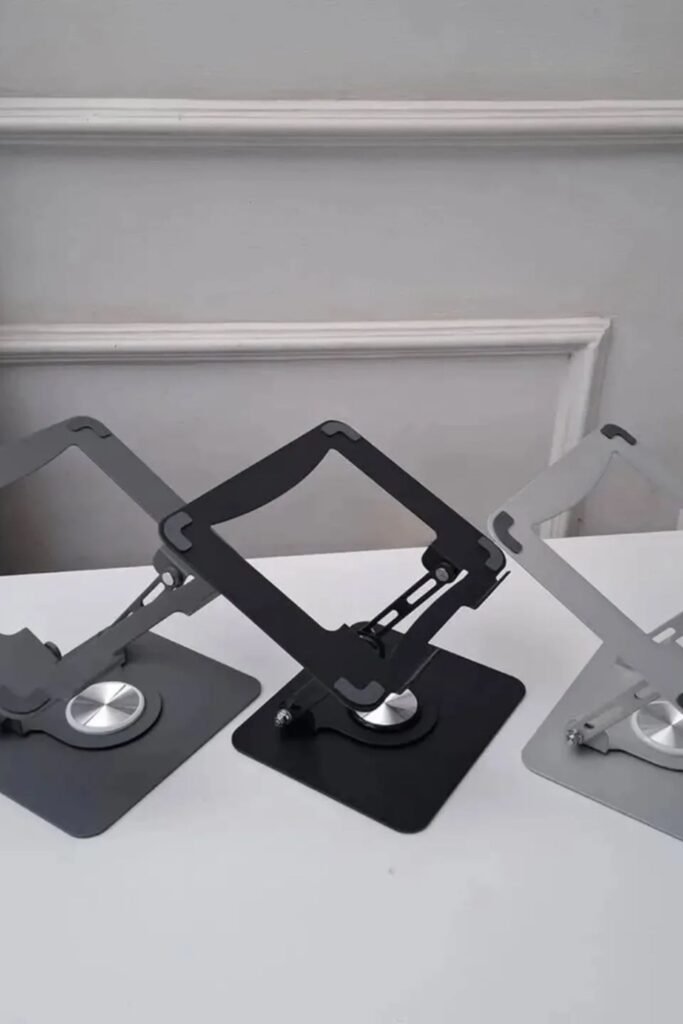
Neck strain often comes from twisting slightly toward the screen without realizing it. A rotating laptop stand like this fixes that quietly.
Circular base allows smooth side-to-side movement, so the screen can turn toward you instead of your body turning toward it.
Open-frame design keeps airflow strong, which helps during long work sessions. Adjustable tilt lets you lift the screen higher while keeping a clean, compact footprint on the desk.
Great for shared desks or collaborative spaces where you sometimes need to show your screen to someone else. Simply rotate instead of dragging the whole setup.
Keep the base flat and stable, then adjust the angle until your eyes meet the upper part of the display naturally.
FAQs
Do I need a separate keyboard if I use a laptop stand?
Yes, if you’re raising your screen properly. Once the laptop comes up to eye level, the built-in keyboard also moves up. Typing with your arms lifted puts pressure on your shoulders and wrists.
A separate keyboard and mouse let your screen stay high while your hands stay low and relaxed. That combination protects your neck and prevents new strain from replacing the old one.
Can a laptop stand actually reduce neck pain long term?
It can — but only if you adjust your full setup. Raising the screen keeps your head from leaning forward, which reduces pressure on your neck.
Use the stand to bring the screen to eye level, keep your shoulders relaxed, and take short breaks. Consistency is what turns a small change into long-term relief.

Hi, I’m Afaf! I’m a law student who loves all things home, style, and gardening. I’ve been writing for over a year about topics like home decor, DIY projects, plants, fashion, and beauty.
I like sharing ideas that are easy to try and don’t cost a fortune. Whether it’s organizing a messy closet, decorating on a budget, or keeping houseplants alive, I write about what I’ve actually tried myself.
When I’m not studying, I’m usually on Pinterest looking for my next project or adding another plant to my collection!