26 Cool New Gadgets Ideas For 2026
Most “new gadgets” don’t fail because they’re bad. They fail because they ask too much from you.
Another app to open, another thing to charge, another habit to build until it quietly ends up in a drawer.
If you’re already juggling a full day, you don’t need tech that demands attention.
You need tools that work in the background and make small parts of life easier without you thinking about them.
In this article, I will show you 26 impressive cool new gadgets that reflect how technology is becoming more helpful and user-friendly.
Let’s jump in!
Which New Gadgets Make Everyday Life Easier Without Feeling Gimmicky?
The easiest way to spot a gimmicky gadget is simple: it creates more work instead of less. If you have to remember to use it.
Set it up daily, or keep checking an app, it won’t last. The gadgets that actually make life easier do the opposite.
They quietly remove small problems saving a few minutes, reducing clutter, or cutting down decisions you already make every day.
When something fits into your routine without asking for attention, that’s when it stops feeling like “tech” and starts feeling useful.
Save this article for later! 👇👇
Ride Connected
Long rides feel safer and more social when navigation, music, and calls don’t pull attention off the road.
Smart cycling helmets with built-in bone-conduction audio and a small heads-up visor solve that quietly.
Directions stay in your line of sight, traffic sounds stay audible, and calls come through without blocking your ears.
Setup stays simple: pair once with a phone, clip or snap the visor in place, and ride. Commuters benefit most in busy cities.
While weekend riders appreciate hands-free navigation on unfamiliar routes. Keep notifications limited to turns and safety alerts so the tech supports the ride instead of taking it over.

Focus Control
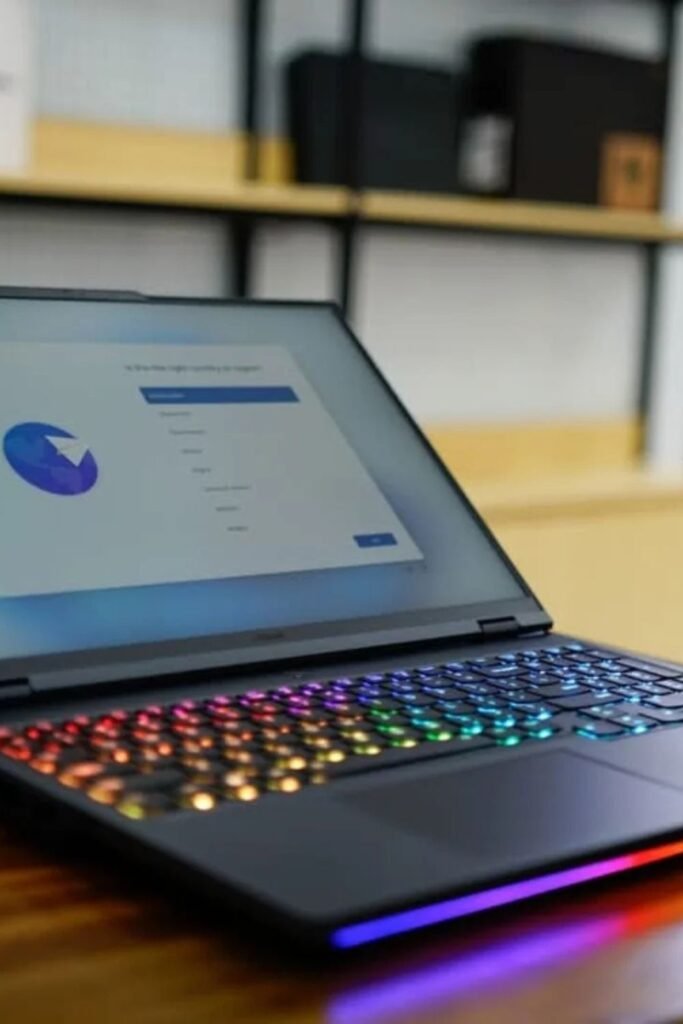
Late-night work sessions get harder when screens feel dull and energy drops. RGB-backlit laptops quietly solve that by letting light guide focus instead of fighting it.
Soft, warm colors help during writing or planning, while brighter tones keep attention sharp for design or editing work.
Setup stays simple: adjust keyboard lighting once, match it to the task, and let muscle memory take over.
Home offices, study desks, and shared spaces benefit most because lighting adapts without extra lamps or clutter.
Keep animations off and colors minimal so the glow supports concentration instead of turning into a distraction.
Screen Sync
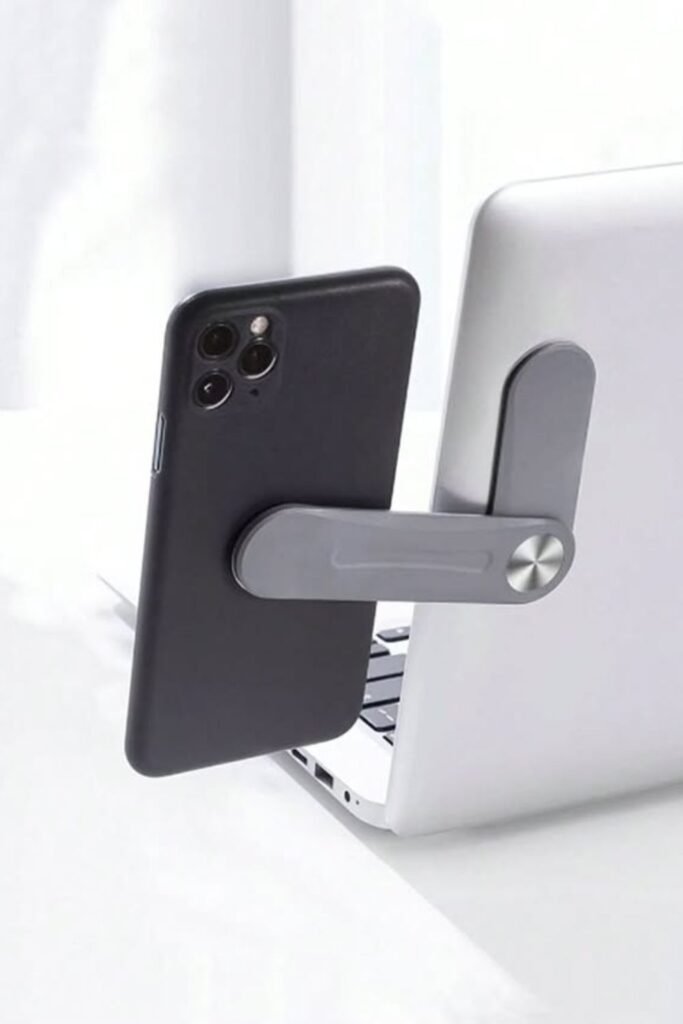
Multitasking falls apart fast when your phone keeps sliding off the desk or buzzing out of sight. A laptop-mounted phone arm fixes.
That by putting your phone exactly where your eyes already are. Messages, calls, or reference notes stay visible.
Without reaching for another surface. Setup takes seconds: clip the arm to the laptop edge, adjust the angle.
And lock it in place. Work-from-home desks, online classes and content planning sessions benefit most because both screens move together.
Keep notifications limited to essentials so the phone supports your workflow instead of pulling you out of it.
Heat Control
Long video calls, navigation, or gaming sessions turn phones into hand warmers fast, and performance drops right after.
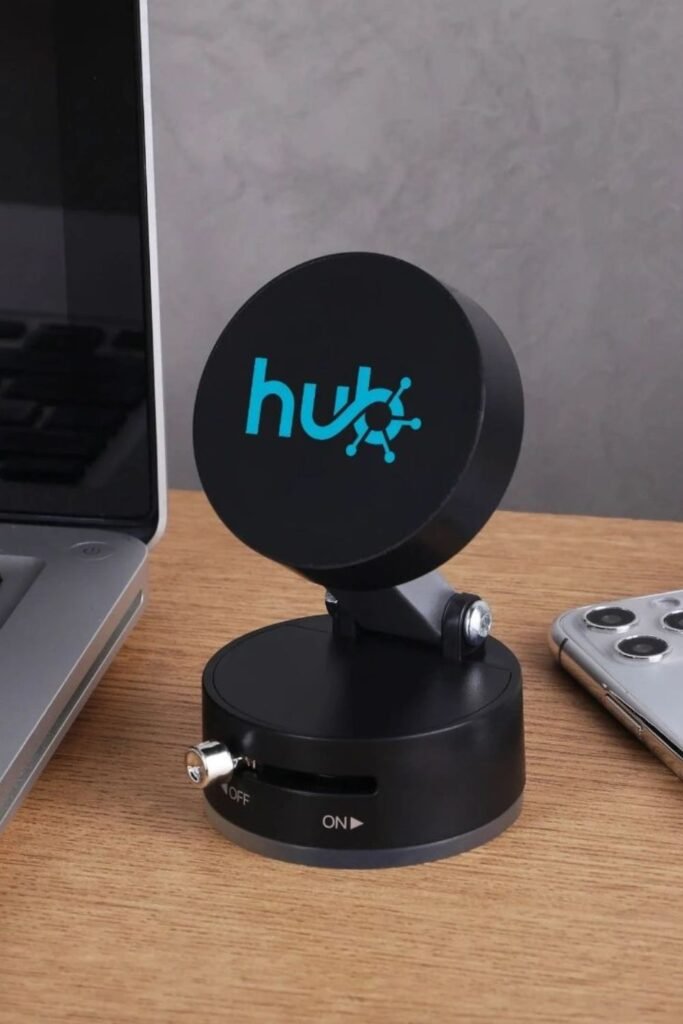
Active phone coolers solve that problem without changing how you use your device. A small magnetic cooling.
Stand pulls heat away from the back of the phone while it stays upright on your desk. Setup stays simple snap it on, switch it on, and keep going.
Work desks, streaming setups, and mobile gaming sessions benefit most because throttling disappears and battery stress drops.
Pair it with a wireless charger nearby so cooling and charging happen together without juggling cables or repositioning your phone.
Air Balance
Dry rooms quietly drain energy before you even notice scratchy throat, tired skin, heavier breathing.
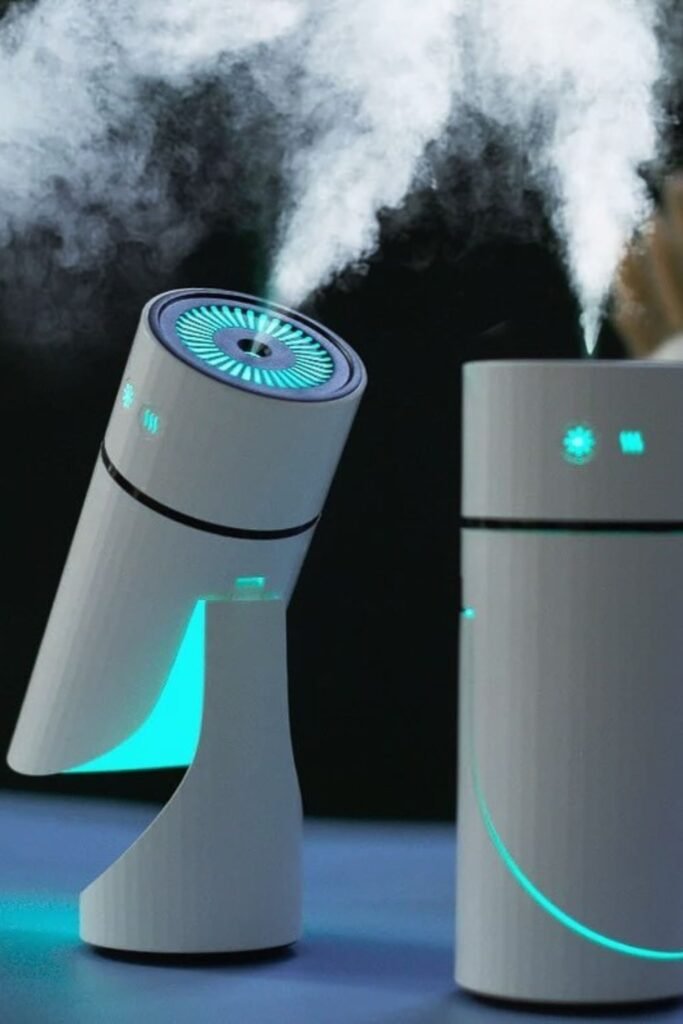
Compact smart humidifiers fix that without turning your space into a spa experiment. A controlled mist adds just enough moisture.
To the air while soft lighting signals when levels are right. Placement matters more than size: bedside tables, work desks, or nursery shelves.
Work best where air feels stale fastest. Fill once, set the output low, and let it run in the background.
Skip overpowering scents and focus on hydration first; comfort improves quickly when the air stops working against you.
Pocket Control
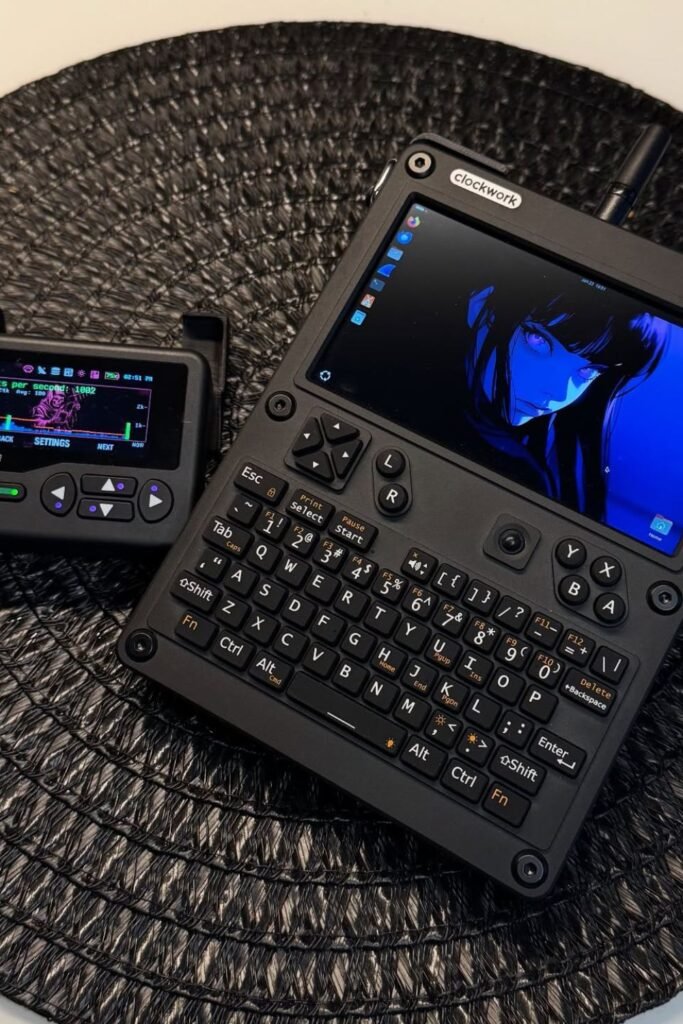
Carrying a full laptop everywhere feels heavy when quick fixes are all you need. Handheld mini computers change.
That by giving you full keyboard access, real software, and offline control in something that fits in a small bag.
Coding, system tweaks, note-taking, or testing networks can happen anywhere without setting up a workspace.
Pairing it with portable networking tools makes it useful for learning, troubleshooting, or privacy-focused tasks on the go.
Coffee shops, travel days, or quiet corners at home work best. Keep projects lightweight and focused these devices shine when used for fast actions, not long sessions.
Quiet Tracking
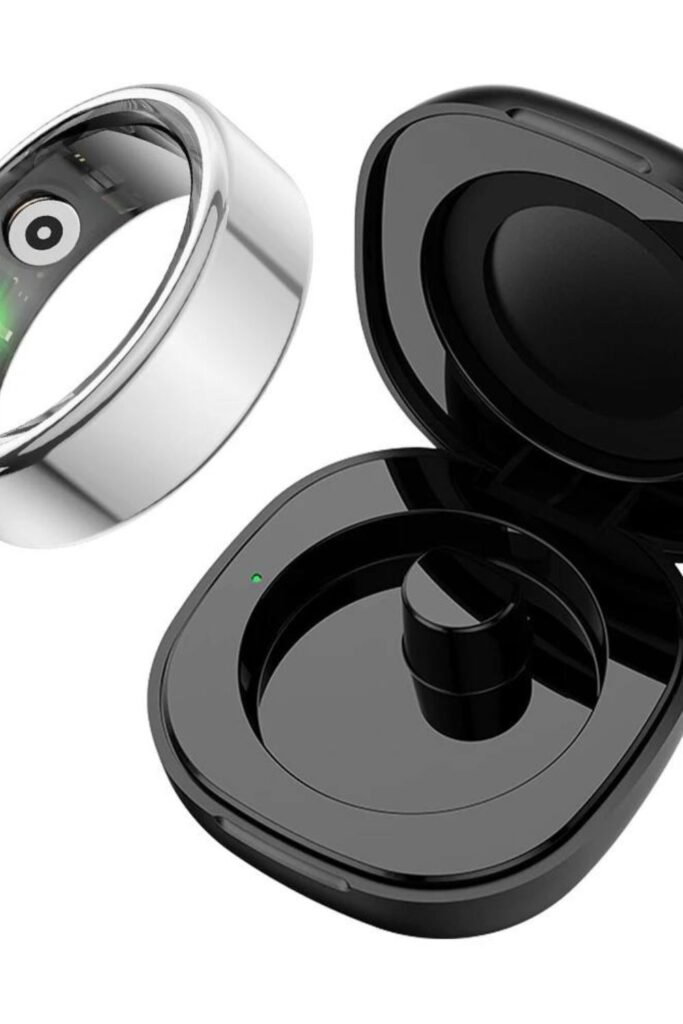
Wearing another screen all day feels exhausting when you already check your phone too much. Smart rings solve.
That by collecting health data without asking for attention. Sleep quality, heart rate, recovery, and daily movement.
Get tracked quietly while your hands stay free. Charging stays simple drop the ring into its case every few days and forget about it again.
Daily routines, workouts, and bedtime benefit most because nothing needs tapping or scrolling.
Focus works better when feedback shows up later, not constantly. Used this way, health tracking supports awareness without turning into another habit to manage.
Travel Styling
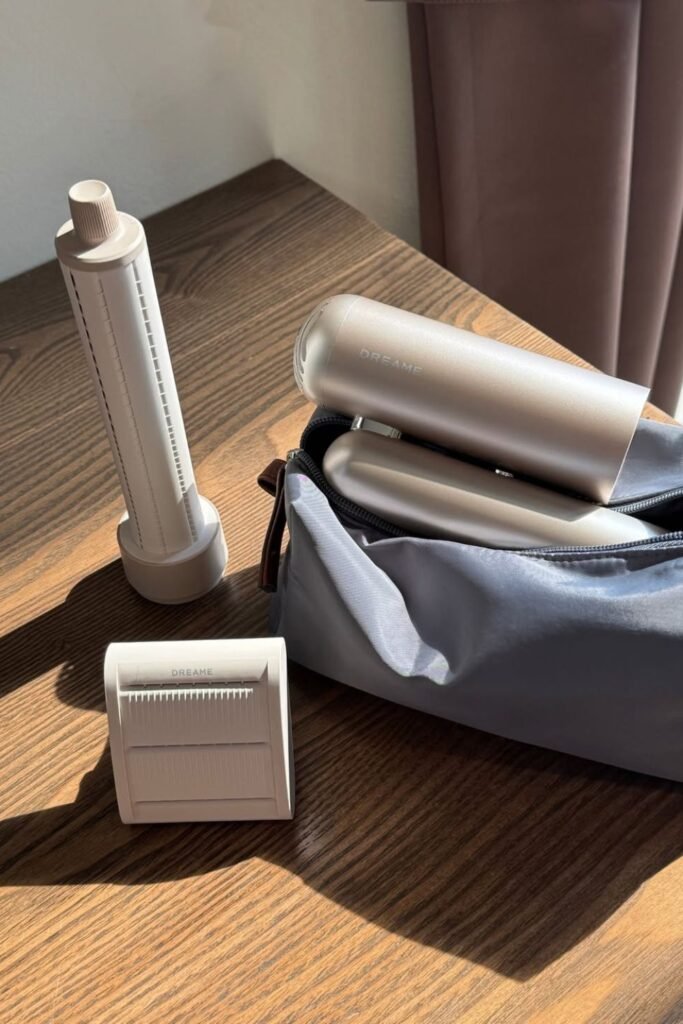
Travel days expose how fragile routines really are hotel dryers overheat, styling tools pull hair, and results never match home.
Compact modular hair tools fix that by packing drying, smoothing, and touch-ups into one small kit.
Swappable attachments let you dry quickly, tame flyaways, or refresh shape without juggling multiple devices.
Carry-on bags and gym lockers work best because everything stays contained and protected. Use lower heat settings.
And shorter passes; consistent results come from control, not power. Built for movement, setups like this keep hair predictable even when the rest of the day isn’t.
Home Hub
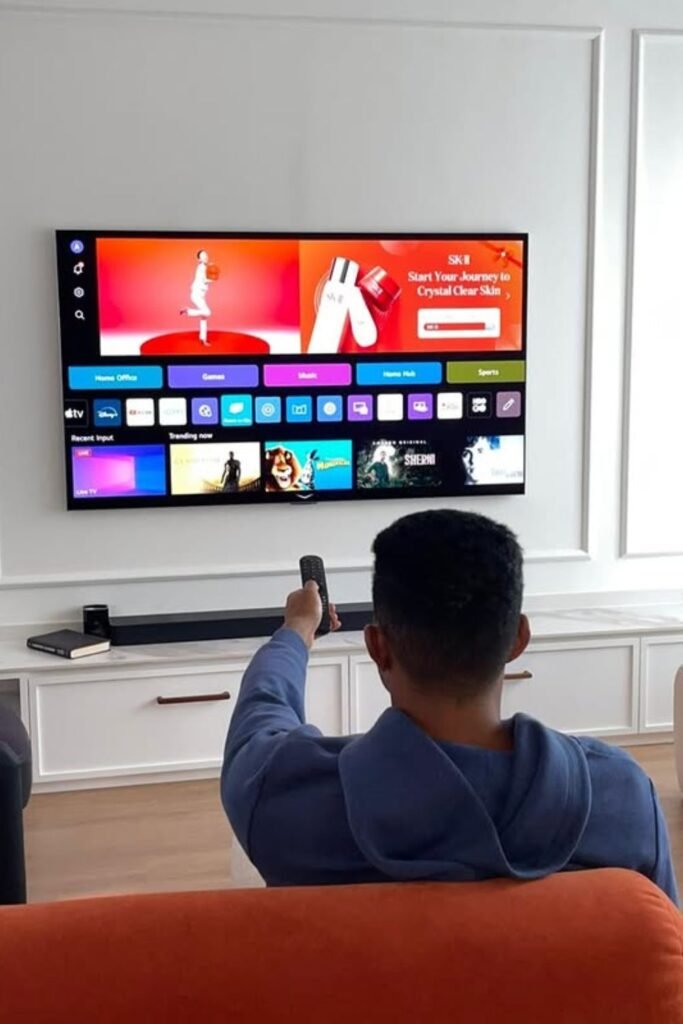
Evenings feel smoother when one screen replaces five different decisions. Smart TVs now work more like control centers than.
Just entertainment boxes. Streaming, fitness videos, music, kids’ content, and even home controls live in one place.
So switching activities doesn’t mean switching devices. Living rooms benefit most when the setup stays simple mount the screen, connect one soundbar.
And let the interface do the sorting. Voice search or a single remote cuts down endless scrolling.
Used well, the TV stops being background noise and starts anchoring downtime, family time, and quick resets at the end of a long day.
Open Listening
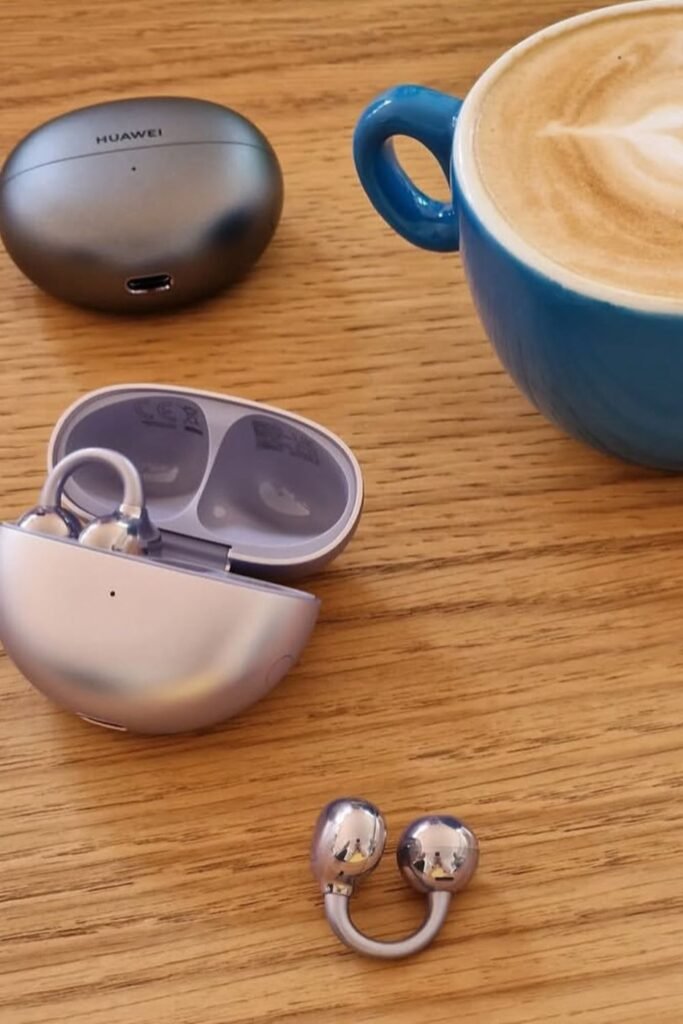
Background noise gets overwhelming when earbuds seal everything off. Open-ear wireless buds change that by letting sound sit just outside the ear instead of blocking it.
Conversations stay clear, coffee machines fade into the background, and awareness stays intact.
Commuting, casual workdays, and long listening sessions benefit most because pressure never builds up.
Pairing stays quick open the case, connect once, and forget about controls. Volume works best kept moderate so music blends with the environment instead of fighting it.
Used this way, listening feels lighter and more natural, especially in places where staying aware matters as much as sound quality.
Subtle Fitness
Daily movement matters more when tracking doesn’t feel like a workout itself. Slim fitness bands handle.
That by collecting steps, heart rate, sleep, and recovery data without turning your wrist into a screen you keep checking.
Comfort stays high because weight stays low, which makes all-day wear realistic. Morning routines, long workdays.
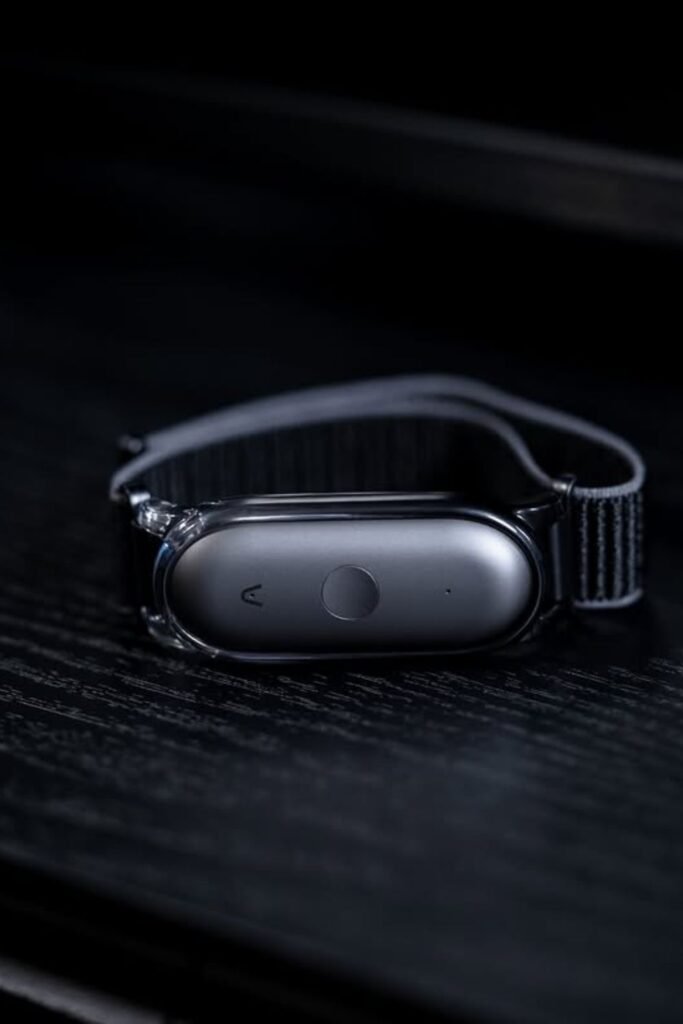
And sleep tracking benefit most when nothing bulky gets in the way. Sync once with a phone, then let data stack quietly in the background.
Results make more sense when reviewed later, not chased hour by hour. Consistency improves when tracking fits life instead of interrupting it.
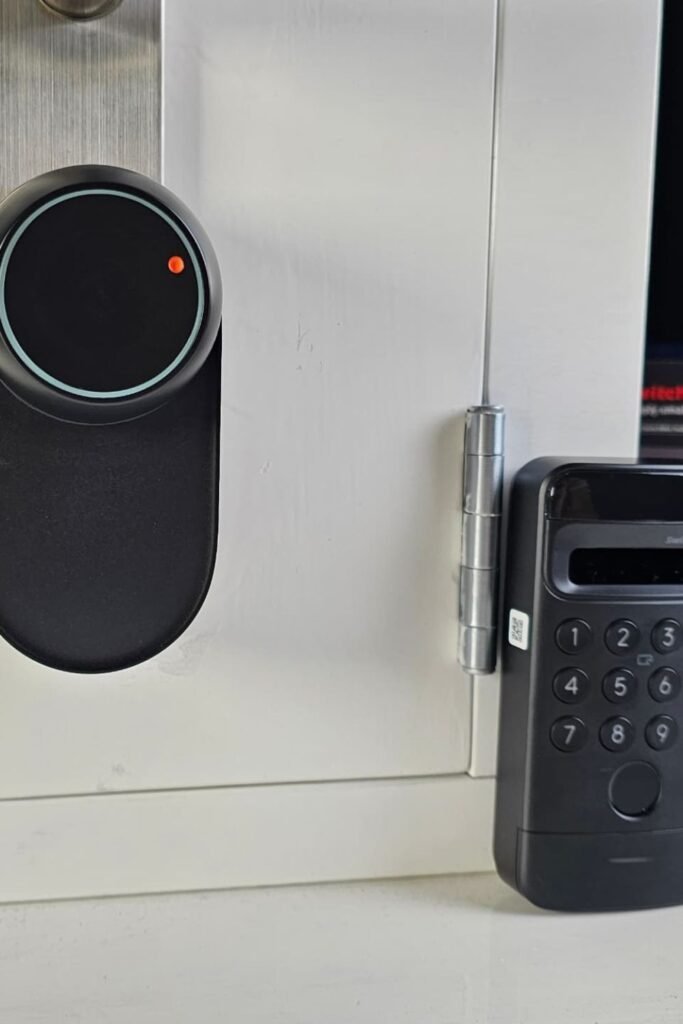
Quiet Entry
Forgetting keys usually happens when hands are full or the day runs long. Smart door sensors and keypad locks remove.
That stress by letting access happen without digging through bags. A simple tap, code, or phone prompt unlocks the door.
While activity logs stay quietly in the background. Apartments, home offices, and side entrances work best.
Because installation doesn’t require major changes. Set temporary codes for guests or deliveries, then turn them off when no longer needed.
Peace of mind improves when locking the door stops being a question and becomes an automatic part of leaving and coming home.
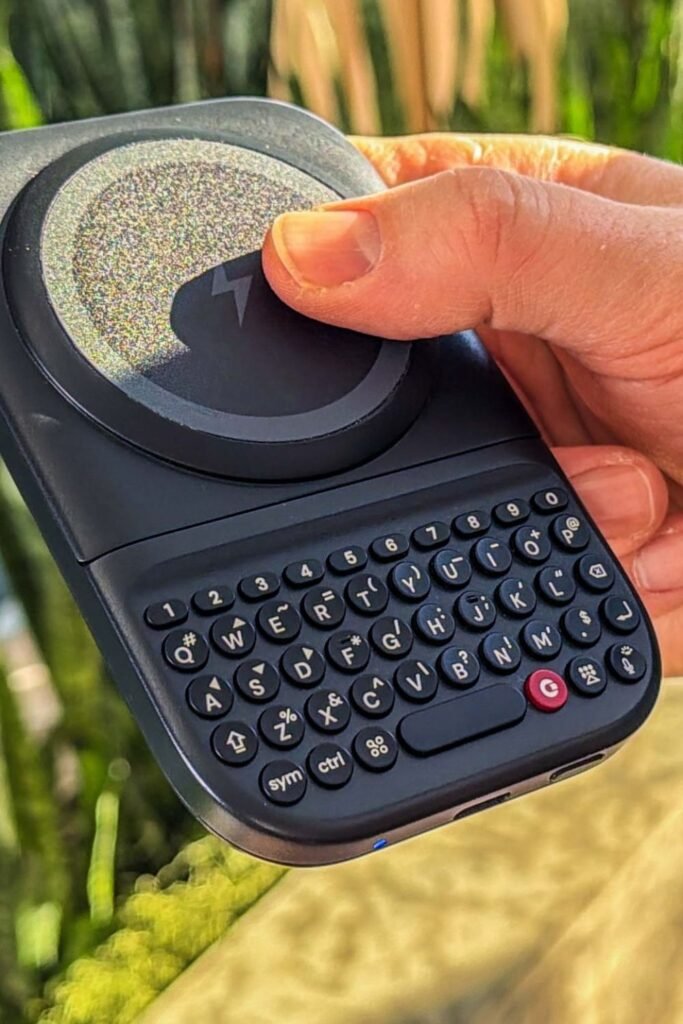
Tactile Typing
Thumb fatigue shows up fast when every message lives on glass. Phones with physical keyboards bring back speed and accuracy.
By letting fingers feel each letter instead of guessing. Short replies, notes, and quick searches become easier when muscle memory does the work.
Daily commuting, on-the-go planning, and one-handed use benefit most because typing stays controlled even while moving.
Pairing works like any modern smartphone, but habits shift shorter messages get written faster, and mistakes drop.
Kept for focused communication rather than endless scrolling, devices like this turn typing into a deliberate action instead of a constant struggle with autocorrect.
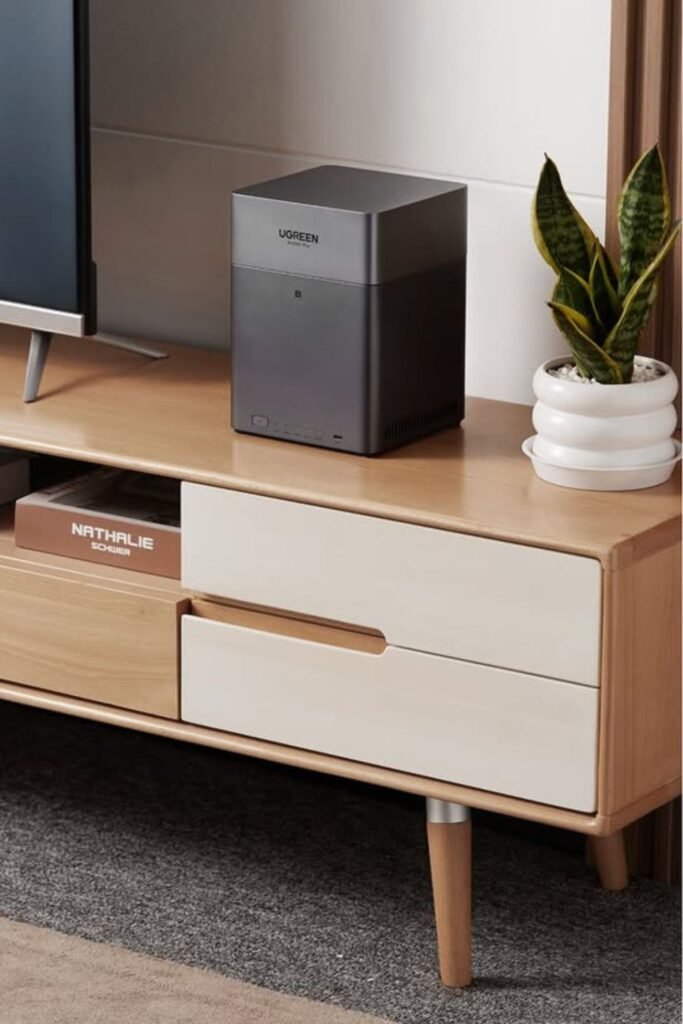
Local Storage
Running out of space always hits at the worst time right when photos, videos, or backups actually matter.
Compact home storage servers solve that quietly by keeping files off phones and laptops without relying on subscriptions.
Automatic backups happen in the background while everything stays accessible on your home network.
Living rooms or home offices work well because the device blends in and stays plugged in. Setup usually takes one focused session: install drives, connect to Wi-Fi, choose folders to sync.
Once running, storage stops being a daily decision and turns into something you don’t think about exactly how it should be.
Smart Cleaning
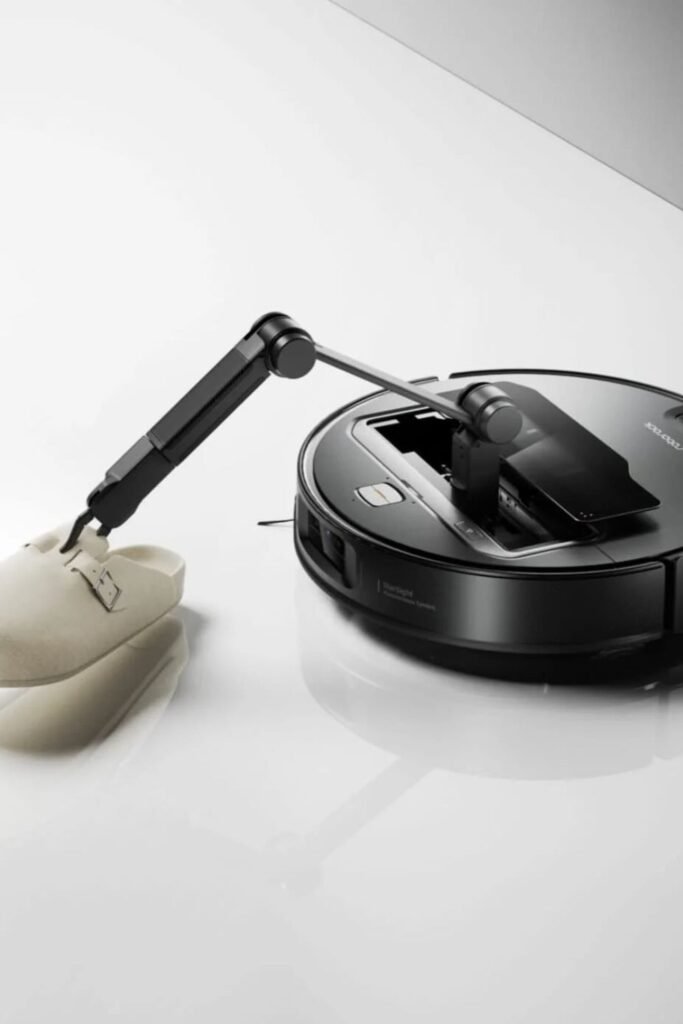
Socks, toys, and slippers usually stop robot vacuums in their tracks. New models with small robotic arms.
Change that by lifting light objects out of the way before cleaning continues. Floors stay clear without a full pre-clean routine.
Which matters on busy days when tidying first isn’t realistic. Living rooms, kids’ spaces, and entryways benefit most.
Because clutter appears fast and disappears slowly. Setup stays familiar map the home once and let obstacle detection handle the rest.
Results improve when pickup zones are defined, so the robot knows where to place items instead of spreading them around.
Analog Ease
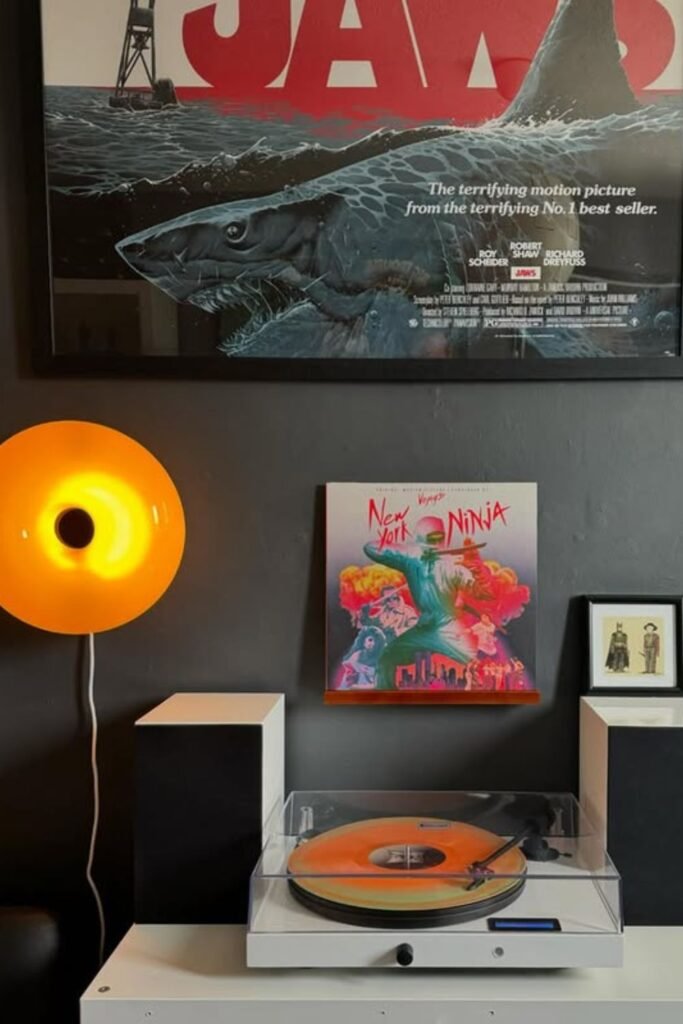
Music slows the room down when pressing play feels intentional again. Modern turntables bring vinyl back without dragging cables, amps, and manuals into the mix.
Built-in Bluetooth and compact speakers let records spin while sound fills the space cleanly.
Living rooms, reading corners, or creative studios benefit most because listening becomes an activity, not background noise.
Setup stays light connect once, place the needle, and let the rest happen naturally. Paired with warm ambient lighting.
Moments like this turn sound into atmosphere. Used regularly, vinyl stops being décor and becomes a simple way to reset the pace of the day.
Flexible Work
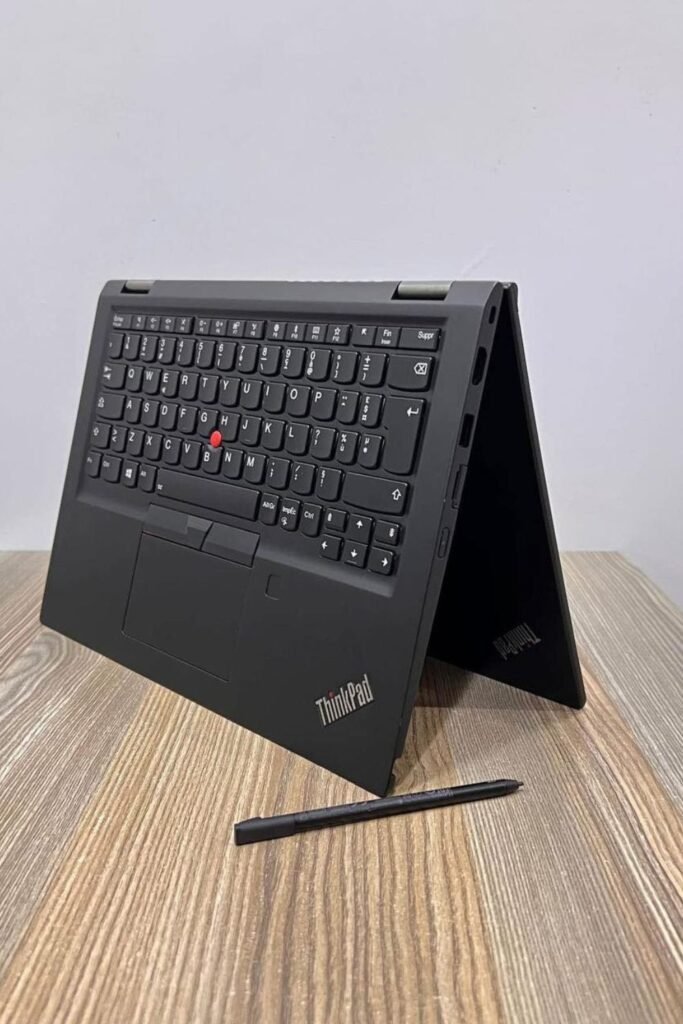
Switching between typing, sketching, and reading usually means juggling devices. Convertible laptops solve.
That by bending into whatever the moment needs. Keyboard stays solid for emails, tablet mode works for notes or planning.
And a pen handles quick ideas without opening another app. Small desks, kitchen tables, and travel days benefit most.
Because one device adapts instead of taking over space. Use laptop mode for focused work, flip it for brainstorming, then fold it back when done.
Productivity improves when tools follow your flow instead of forcing you into one way of working.
Game Balance
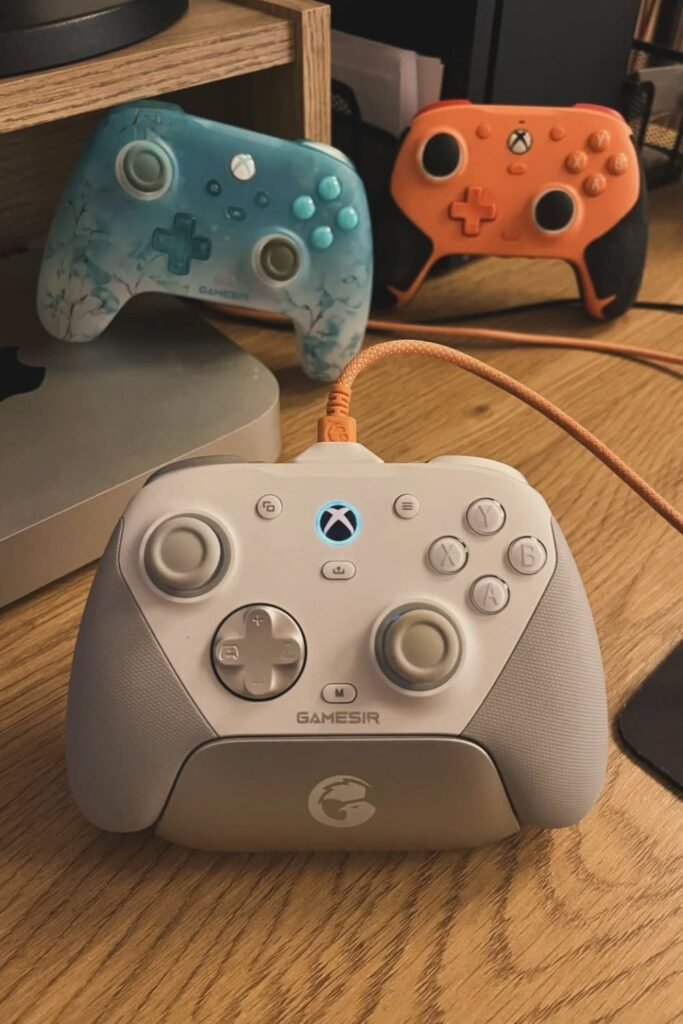
Quick gaming breaks hit differently when controls feel right in your hands. Multi-platform controllers handle.
That by working across consoles, phones, and PCs without forcing you to relearn layouts. Button tension, grip texture.
And stick placement matter more than flashy features, especially during short sessions. Desks, couches, and travel setups.
Benefit most because one controller replaces several. Plug in or pair once, map buttons if needed, and keep it ready.
Gaming stays fun when gear disappears and muscle memory takes over, turning playtime into a reset instead of another setup task.
Dual Focus
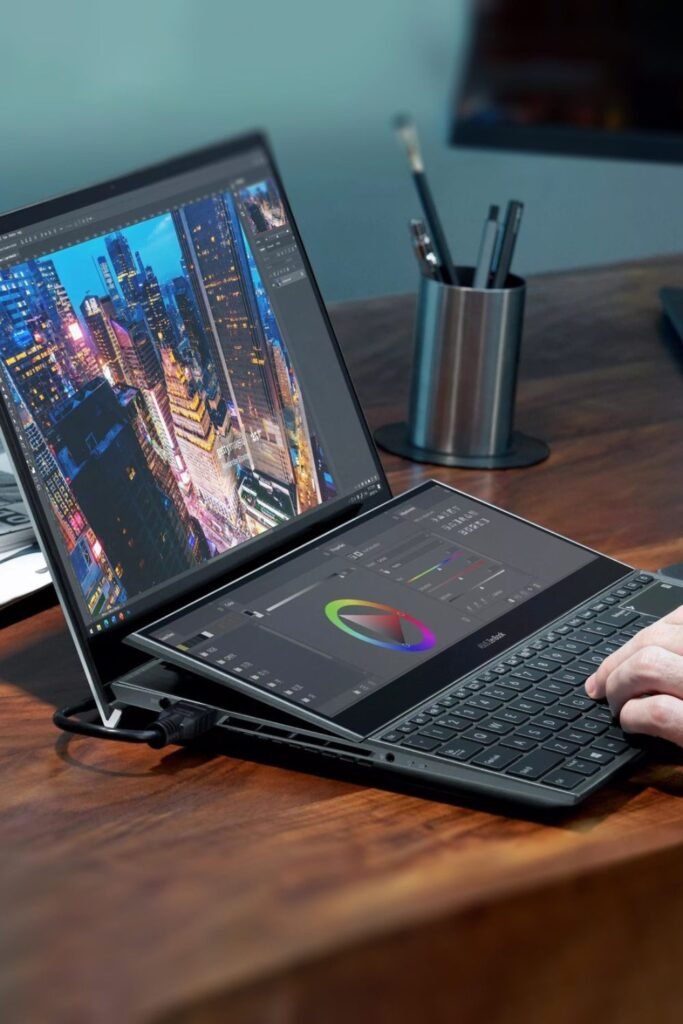
Creative work slows down when tools fight for screen space. Dual-screen laptops fix that by separating thinking from doing one screen for editing.
The other for controls, timelines, or reference material. Color grading, photo editing, writing, and planning all feel smoother.
When panels don’t overlap or hide each other. Desk setups benefit most, but travel work improves too because no extra monitor is needed.
Keep the lower screen dedicated to sliders, palettes, or notes, and leave the main display distraction-free.
Workflow speeds up when your eyes stop jumping between windows and start following a natural top-down flow.
Lost Less
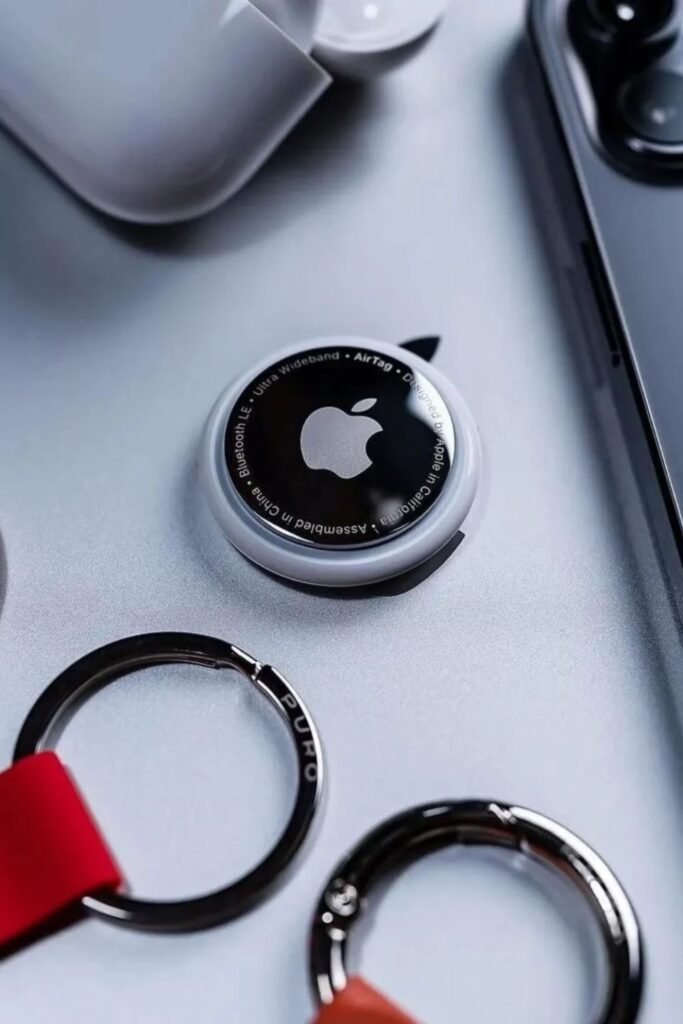
Misplacing keys, bags, or wallets usually happens during rushed transitions, not big moments. Small tracking tags fix.
That by anchoring important items to your phone’s location network. A quick tap shows the last known spot.
And nearby alerts help narrow things down fast. Keychains, handbags, luggage, and even kids’ backpacks work best.
When one tracker stays attached permanently. Setup takes minutes pair once, name the item, and forget about it until needed.
Peace of mind comes from knowing lost doesn’t mean gone. Used consistently, tracking turns everyday panic into a short check and a calm fix.
Pocket Canvas
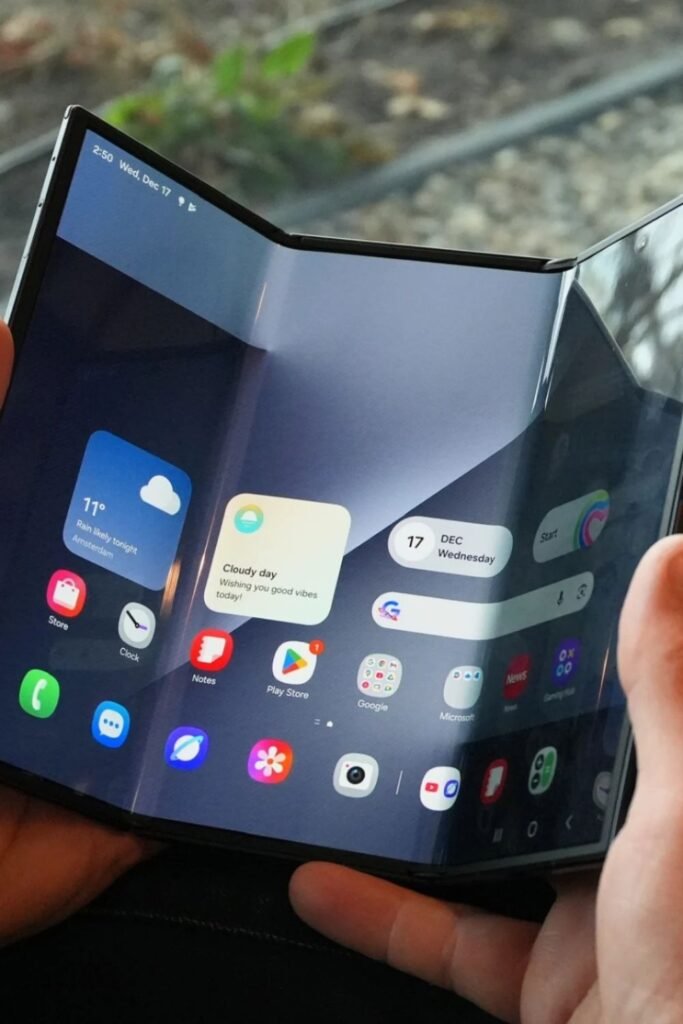
Ideas land differently when a screen gives them room to breathe. Foldable phones open into tablet-sized workspaces without asking you to carry another device.
Reading, planning, sketching, or multitasking feels natural when apps stretch side by side instead of stacking on top of each other.
Commutes, travel days, and couch work benefit most because the device shifts size based on what you’re doing.
Fold it closed for quick replies, open it up for focus sessions. Best results come from treating the larger screen.
As a thinking space, not a scrolling one notes, maps, drafts, and layouts shine when space stops being the limit.
Deep Listening
Silence becomes a choice when headphones do more than play sound. Over-ear wireless headphones with active noise.
Canceling create a personal bubble that makes focus possible again. Background chatter fades, bass feels fuller.
And long sessions stay comfortable because pressure spreads evenly instead of pinching ears. Home offices, flights, and late-night work blocks benefit most.
When interruptions need to disappear. Pair once, adjust noise control to the environment, and let playlists or podcasts carry the rest.
Kept for focused moments rather than all day, listening feels intentional—and mental space opens up fast when the world quiets on demand.

Robotic Patrol
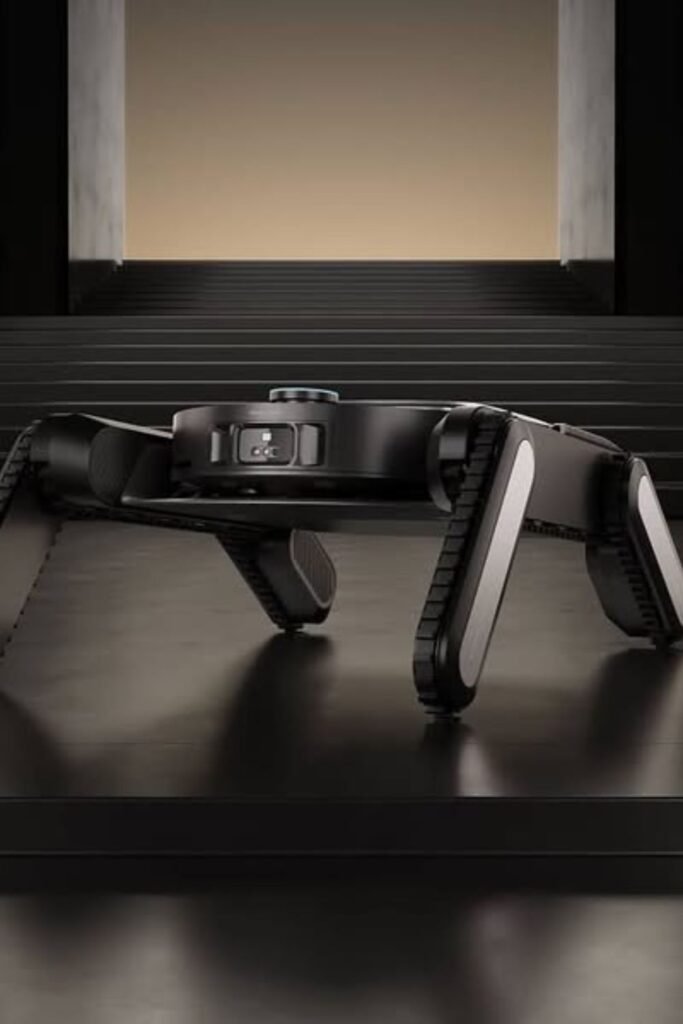
Home security feels different when monitoring doesn’t stay stuck to walls. Quadruped robots bring movement into the picture.
Rolling through rooms, climbing small obstacles, and checking spaces cameras can’t see. Night rounds, large homes, and multi-level layouts benefit most.
Because coverage stays active instead of fixed. Control usually happens through a phone or tablet set patrol paths, trigger manual checks, or review footage later.
Used best as a supplement, not a replacement, this kind of tech works when curiosity and safety overlap.
Peace of mind improves when awareness moves with the space instead of watching from one angle.
Keyless Living
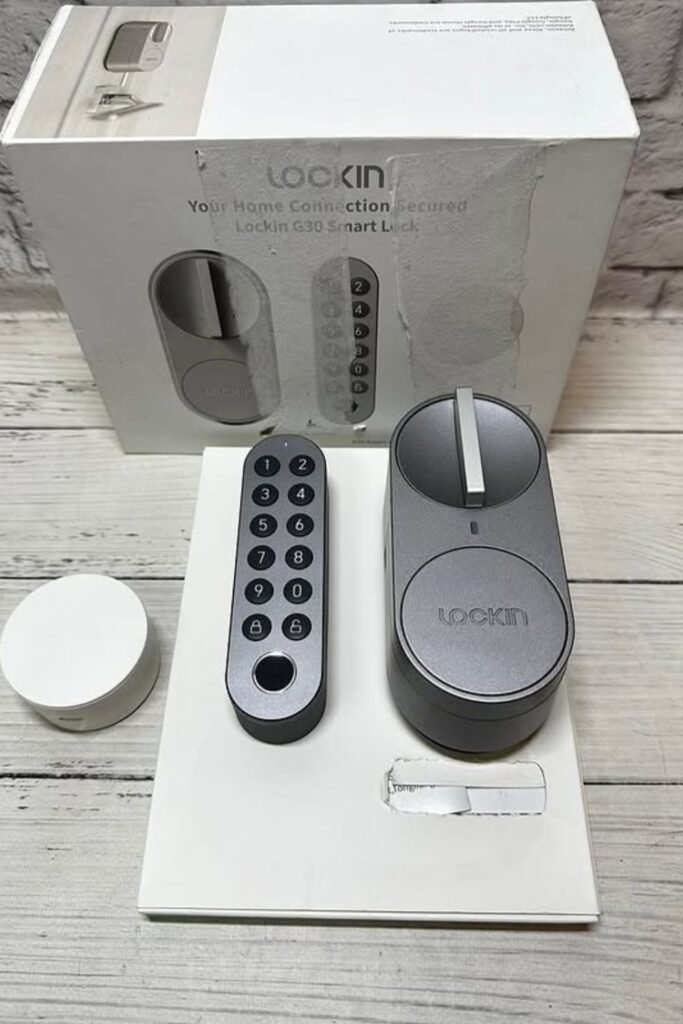
Locked doors stop being interruptions when access works around real life. Smart lock kits replace keys with codes, phone access, or simple tap-to-unlock routines.
Grocery bags, kids, or late nights stop turning entry into a small struggle. Front doors, rentals, and home offices work best.
Because access can change without swapping hardware. Installation stays straightforward—fit the lock, pair the app, set personal codes.
Temporary access handles guests or deliveries, then disappears when no longer needed. Daily flow improves.
When coming and going feels automatic, not like another thing to remember before leaving the house.
Typing Return
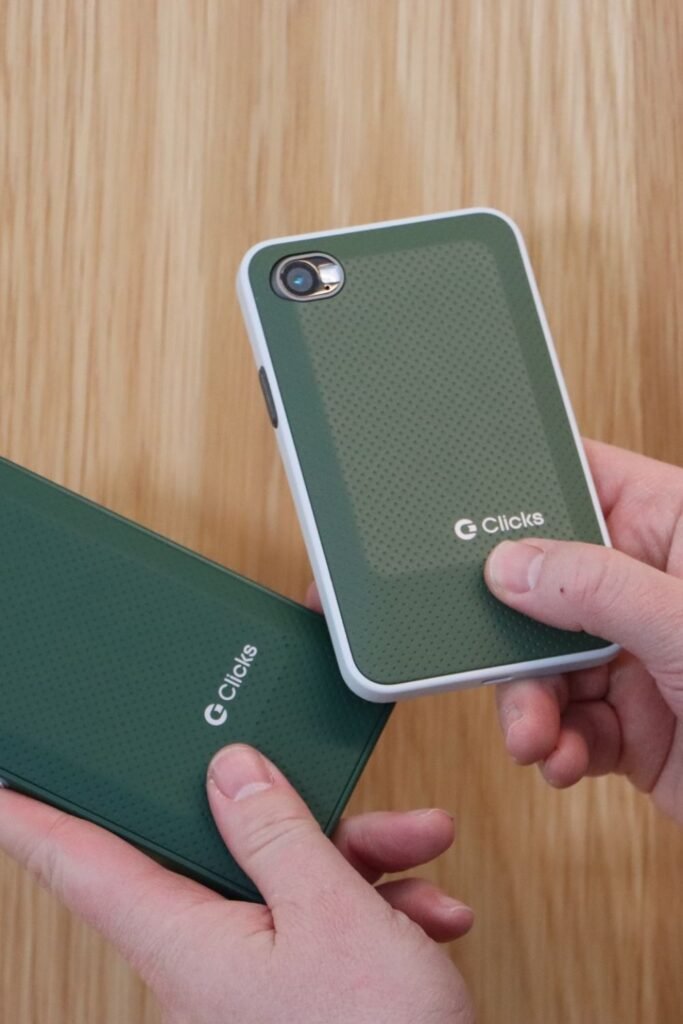
Glass keyboards slow thoughts down when fingers can’t feel where they land. Physical keyboard phone cases.
Bring back muscle memory by turning typing into a tactile action again. Messages get written faster, mistakes drop, and short replies stop feeling like work.
Commuting, note-taking, and quick planning benefit most because one-handed typing becomes realistic.
Snap the case on, pair it once, and let habits adjust naturally. Writing shorter, clearer messages works best with this setup it rewards intention over endless scrolling.
For people who think while they type, bringing buttons back changes how ideas move from head to screen.
Ambient Halo
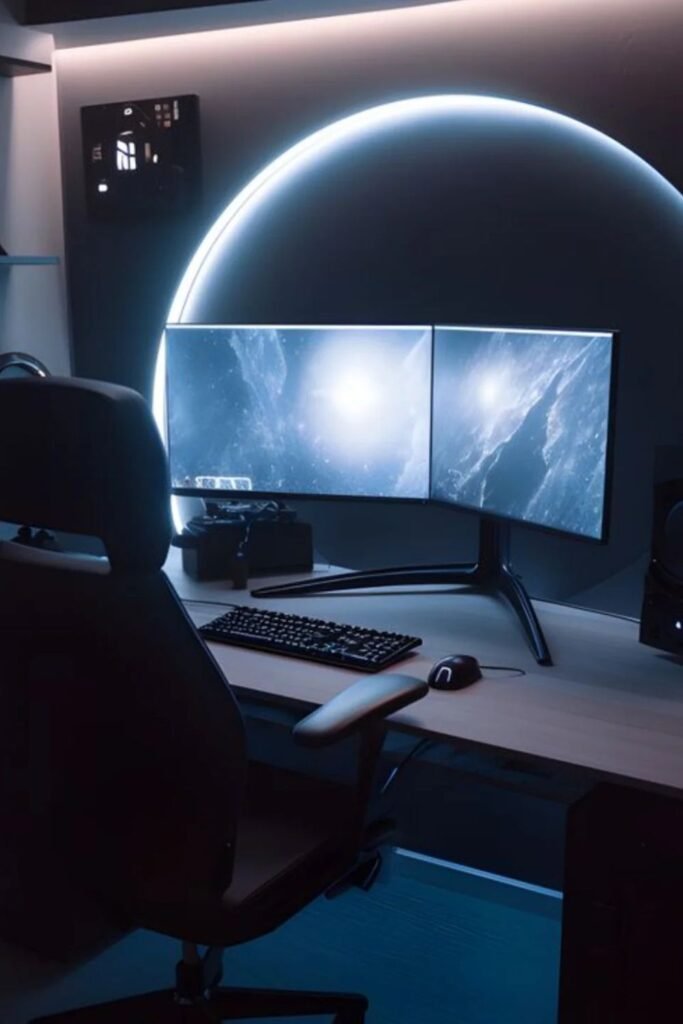
Late-night screens feel harsh when the room stays dark and flat. Curved ambient light panels fix that by wrapping soft glow around.
The workspace instead of blasting light forward. Eye strain drops because contrast evens out, and focus lasts longer without that tired, squinting feeling.
Desk setups, gaming corners, and editing stations benefit most where long sessions happen after sunset.
Mount the light behind monitors, tune warmth to match the task, and let brightness fade into the background.
When lighting supports the space instead of stealing attention, work feels calmer and screens stop fighting your eyes for control.
FAQs
Are “cool new gadgets” actually useful, or do they just look good online?
Most people worry about buying something that ends up in a drawer. The gadgets worth it usually solve one small, annoying problem saving time, reducing effort, or making daily routines smoother.
If a gadget fits naturally into something you already do, it’s more likely to be useful than gimmicky.
How do I choose the right gadget without overspending?
Start with your daily friction points, not trends. If something wastes your time or breaks your focus every day, look for tech that fixes that exact issue.
Set a budget first, then check whether the gadget replaces multiple tools or habits. Practical value beats novelty every time.

Hi, I’m Afaf! I’m a law student who loves all things home, style, and gardening. I’ve been writing for over a year about topics like home decor, DIY projects, plants, fashion, and beauty.
I like sharing ideas that are easy to try and don’t cost a fortune. Whether it’s organizing a messy closet, decorating on a budget, or keeping houseplants alive, I write about what I’ve actually tried myself.
When I’m not studying, I’m usually on Pinterest looking for my next project or adding another plant to my collection!